
Bonded devices only
Shows modules you already paired in Android settings — no broad scan of every nearby Bluetooth device.
Offline-first Android remote for Arduino-style RC builds. Pair once using classic Bluetooth SPP, choose your bonded module, and send single-byte commands — no cloud, no account, no extra hub.
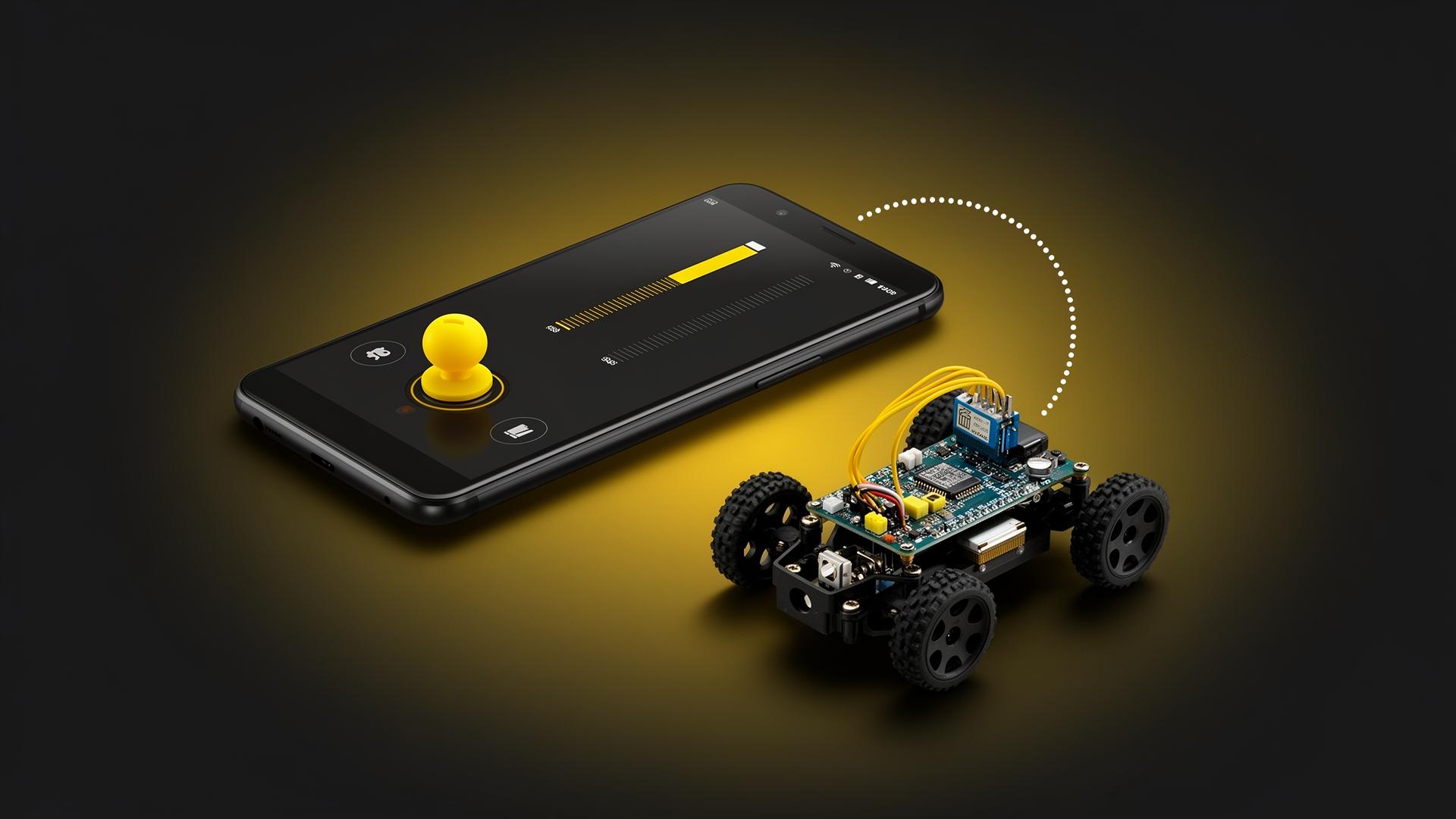
Clear pairing, honest error states, and layouts that stay readable whether your phone is in hand or on a mount.
Shows modules you already paired in Android settings — no broad scan of every nearby Bluetooth device.
Handles radio off, permission denied (Android 12+), empty lists, and socket failures with a single-tap retry.
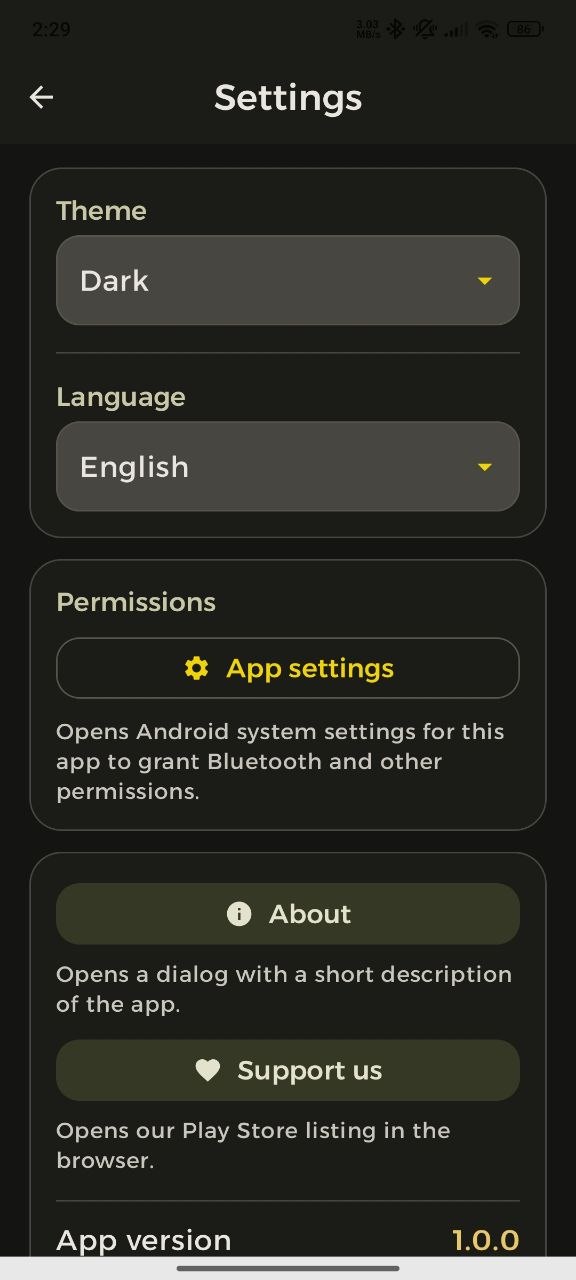
Three theme choices using Material You color roles.
Pick a language in the app or follow the device default.
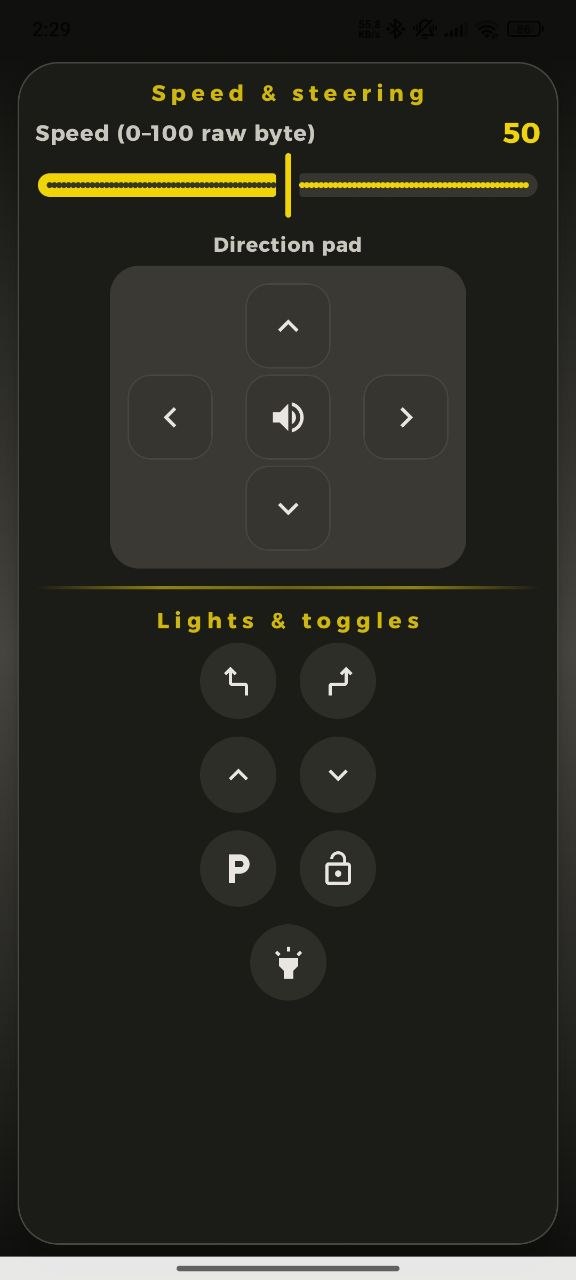
Portrait: directional controls. Landscape: two columns — steering on one side, speed and extras on the other.
The byte-level protocol is documented in the app so you are not switching between code and a wiki mid-build.
Getting connected
Your module should advertise the standard Serial Port Profile UUID (RFCOMM): 00001101-0000-1000-8000-00805F9B34FB.
00001101-0000-1000-8000-00805F9B34FBUse system Bluetooth settings to pair common modules such as HC-05, HC-06, or BT-05 — usual PIN, usual flow.
On Android 12 or newer, grant the Bluetooth Connect permission when prompted, pick your bonded device, tap connect.
Hold a direction to move, release to stop. Adjust speed with the slider. That is the whole loop.
Inside the app
Main controller, pairing, and day-to-day screens — taken directly from the Android app.
For makers and hobbyists
While you hold a direction button, the app sends one ASCII command; on release it sends a neutral stop. The speed slider sends a raw byte from 0 through 100. Mirror that in your firmware switch statement and you are moving.
// hold to move, release = stop
switch (cmd) {
  case 'F': forward(); break;
  case 'B': backward(); break;
  case 'L': left(); break;
  case 'R': right(); break;
  case 'S': stop(); break;
  // speed: raw byte values 0–100
  default: setSpeed(cmd);
}
Permissions & privacy
Needed only to reach hardware you already paired. Requested in context, typically once.
Standard manifest entries for Android 11 and earlier — nothing unusual.
Theme and language choices are stored with Jetpack DataStore on your phone — not synced to us.
Normal driving does not require internet access or background uploads.
You are responsible for wiring, firmware, and safe operation. Bluetooth Car Controller forwards UART-style bytes over RFCOMM — it is not an OBD-II tool or a vehicle diagnostics suite. Match baud rates, bench-test before field tests, and never aim a fast RC model toward people or animals.